How to Watch International Sports Events Live: Streaming Links and Viewing Options
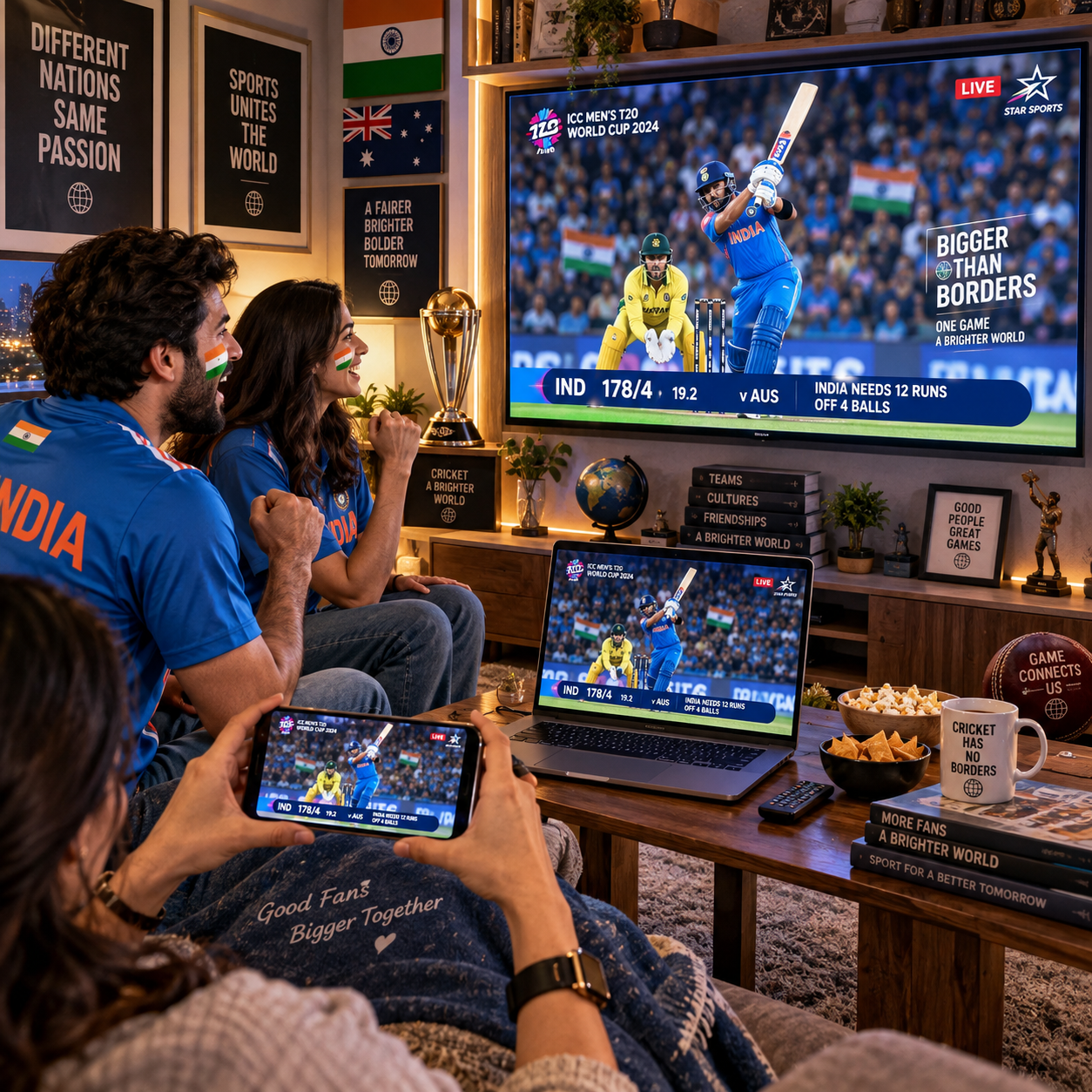
Watching international sports events live often depends on more than finding a match page and pressing play. The right option can vary by sport, competition, country, device, and the broadcaster that owns the relevant broadcast rights.
This guide explains how to find legitimate live sports streaming links, confirm regional availability, prepare your internet connection, and deal with common problems. The aim is simple: find the event, verify the source, and be ready before the opening whistle or starting signal.
Where to Find International Sports Events Live
Official broadcasters, sports networks, event platforms, and reputable streaming services are the most reliable places to find international sports events live. Start with the event organizer or competition website, then confirm which broadcaster serves your location.
Many major competitions publish a broadcast or viewing section that identifies television partners and digital platforms. A national sports network may provide live coverage through its website or app, while a dedicated event platform may carry selected matches, heats, stages, or sessions.
Useful sources usually include:
- Official competition websites: These may list broadcast partners, event schedules, and country-specific viewing information.
- Licensed sports networks: A network’s website or app may require a subscription, television-provider login, or account.
- Reputable streaming platforms: Some services bundle sports channels or offer individual event access where licensing permits.
- Public-service broadcasters: Certain countries provide free coverage for selected national or major international events.
- Official mobile applications: These can provide live video, radio commentary, results, or alerts when full video is unavailable.
Search using the competition name, sport, date, and your country rather than a vague phrase such as “free live match.” That approach reduces misleading pages and makes it easier to compare the official options first. If you use a streaming links directory, treat it as a starting point and verify every destination against the broadcaster or event organizer.
Check Broadcast Rights and Regional Availability
Broadcast rights determine which platform can show an event in a particular country. Regional availability can therefore differ even when two viewers search for the same international sports event at the same time.
Rights are commonly divided by territory, competition, season, and type of coverage. One service may show live video, another may provide highlights, and a third may carry only selected fixtures. Some rights also distinguish between television, web, mobile, and connected-TV distribution.
Before relying on a streaming link, check:
- The event date and exact start time in your local time zone.
- Whether the page says live coverage, replay, highlights, or commentary only.
- Whether your country appears in the platform’s supported locations.
- Whether access requires a subscription, free account, television login, or one-time purchase.
- Whether the platform lists blackout rules or restrictions for specific matches.
A geo-restriction usually means the service is not licensed to show that content where you are. Do not assume that changing settings will make access lawful or stable. Instead, look for the authorized broadcaster in your region. The sports broadcasting overview on Wikipedia provides useful background on how territorial rights shape coverage.
Schedules can also change because of weather, delays, venue issues, or timetable revisions. Check the official event schedule shortly before viewing, particularly for tournaments with multiple sessions on the same day.
How to Choose a Reliable Live Sports Streaming Link
A reliable live sports streaming link leads to a recognizable provider, clearly identifies the event, and does not force suspicious downloads or repeated redirects. Verify the page before entering personal information or installing anything.
Use this quick screening method:
- Confirm the domain: Check that the address belongs to the official broadcaster, event organizer, or established streaming service. Look for deliberate misspellings and unusual domain endings.
- Match the event details: The page should display the correct sport, teams or competitors, competition, date, and start time.
- Inspect the connection: A secure HTTPS connection is expected, although the padlock alone does not prove that a site is legitimate.
- Read the access terms: A transparent provider explains subscriptions, account requirements, supported devices, and regional availability.
- Test the page cautiously: Excessive pop-ups, fake play buttons, automatic redirects, alarmist warnings, or requests for unknown browser extensions are strong warning signs.
Never install a media player, browser extension, or mobile application simply because a page claims it is necessary to watch. Use the official app store or the provider’s verified website instead. Keep security software and your browser updated, and avoid entering payment details on pages with unclear ownership.
A polished design can still conceal an unsafe service. The strongest signal is consistent information: a verifiable provider, accurate event details, clear policies, and a viewing experience that does not behave like an advertising trap.
Prepare Your Device and Internet Connection
To prepare for live streaming, confirm device compatibility, update the viewing app or browser, and test your internet connection before the event begins. A few minutes of preparation can prevent avoidable delays at kickoff.
Check the platform’s requirements for browsers, operating systems, and supported devices. On a computer, update the browser and close demanding background applications. On a phone or tablet, install the official app from the relevant app store, sign in beforehand, and check available storage if the app needs an update.
For a stable viewing session:
- Use a dependable Wi-Fi or wired connection rather than a weak public hotspot.
- Pause large downloads, cloud backups, and other high-bandwidth activity.
- Restart the router if your home connection has become unstable.
- Open the stream five to ten minutes before the scheduled start.
- Keep a charger nearby for mobile viewing, especially when using cellular data.
Video quality depends on the service, device, network capacity, and current demand. If the stream offers automatic quality, it may lower resolution to maintain playback. Manually choosing a lower setting can help on a congested connection, though the trade-off is a softer picture.
Watching International Sports on Mobile, Desktop, and Smart TV
Mobile devices offer flexibility, desktops provide easier navigation, and smart TVs deliver the most comfortable large-screen experience. The best choice depends on screen size, connection stability, and whether the platform supports casting or a television app.
Mobile streaming works well for short sessions, travel, and following an event away from home. Use the official app where possible, enable notifications only if you want schedule updates, and monitor cellular data usage. High-definition video can consume substantial data, so Wi-Fi is preferable when available.
Desktop viewing makes it easier to compare event schedules, read coverage information, and sign in through a browser. It also gives you a practical backup if a television app is unavailable. Keep only trusted tabs open and avoid clicking advertisements that imitate the player.
For smart TV streaming, look for the broadcaster’s official application in the television’s app store. If the service supports casting or AirPlay, start playback on a phone or computer and select the compatible TV. Another option is an HDMI connection, provided the device, cable, and platform permit it.
Compatibility is not universal. A link that works in a desktop browser may not work inside a smart TV browser, and some subscriptions limit simultaneous streams. Check the provider’s device policy before the event rather than discovering the restriction during live coverage.
Troubleshooting Common Live Streaming Problems
Most live streaming problems come from regional rights, account authentication, network congestion, device compatibility, or a failed link. Identify the category first, then apply the simplest fix.
The stream is unavailable
Confirm that the event is actually live and that your country is supported. Refreshing repeatedly will not solve a rights restriction. Search the official event schedule for another licensed broadcaster or an alternative coverage type, such as audio commentary.
The video keeps buffering
Pause other network activity, move closer to the router, or switch to a wired connection. Lower the video quality and restart the app. If several household devices are streaming at once, congestion may continue until one session stops.
You cannot sign in
Check the account email, password, subscription status, and device limit. Use the provider’s password-reset process rather than a third-party login page. An app update or a fresh browser session may also resolve authentication errors.
The picture is blurry or the link stops working
Allow the player time to adjust, then check your connection speed and available quality settings. If a link disappears or redirects elsewhere, stop using it and return to the verified broadcaster. Do not download a supposed replacement player from an unknown site.
Safer and More Convenient Ways to Follow the Event
The safest viewing plan combines an official source, a verified backup option, and a saved event schedule. This reduces last-minute searching without promising access where broadcast rights do not allow it.
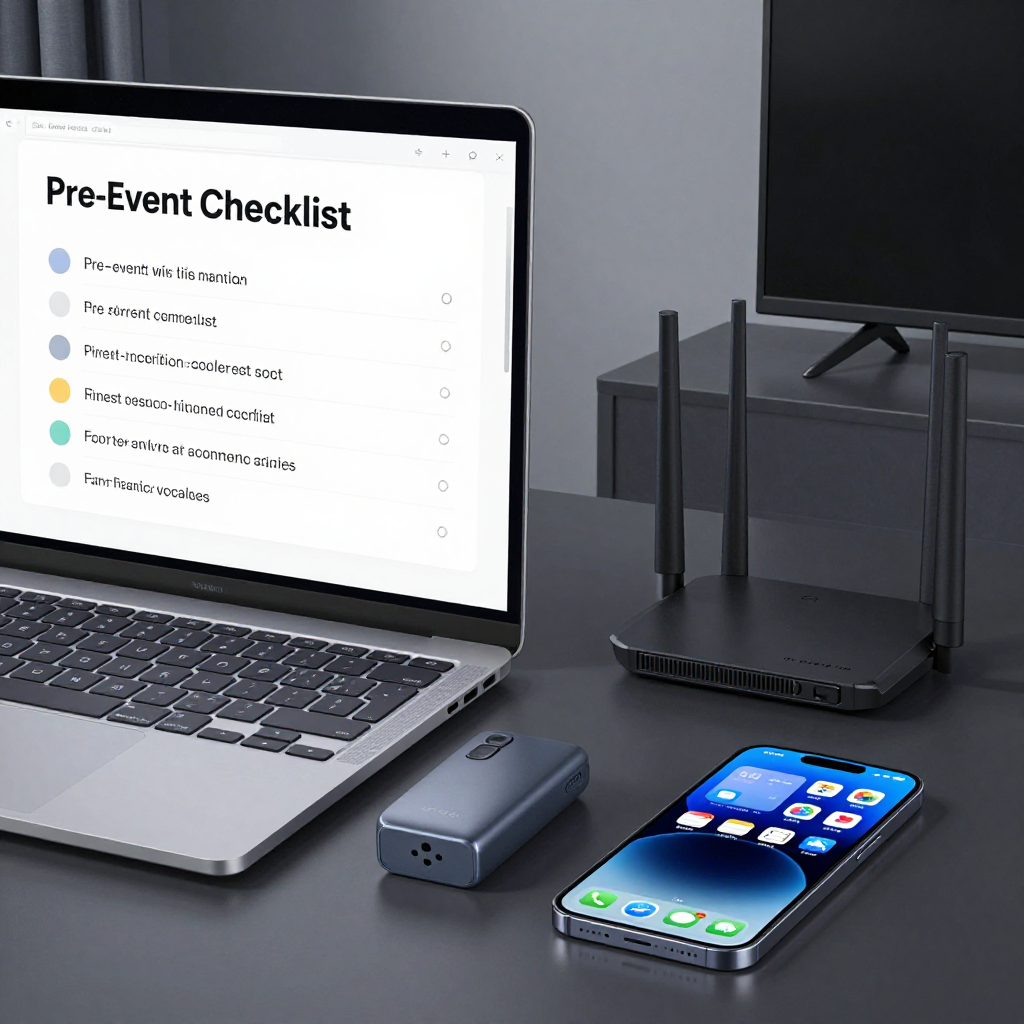
Create a simple event checklist:
- Record the competition name, session, date, and local start time.
- Save the official event page and authorized broadcaster page.
- Check whether your account, subscription, or television login is active.
- Test the chosen device and internet connection before coverage begins.
- Identify a legitimate backup, such as another licensed platform, radio commentary, or live results service.
Keep browser protections enabled and avoid pages that promise every international sports event for free. Unverified links can expose you to deceptive advertising, phishing, malware, or misleading play buttons. A free option can be legitimate, but legitimacy should be confirmed through the organizer, broadcaster, or established platform.
For general online safety guidance, the Cybersecurity and Infrastructure Security Agency offers practical advice on suspicious links and digital security. Good preparation leaves you with fewer decisions during the event and a much better chance of enjoying stable, lawful coverage.
Frequently Asked Questions
Where can I watch international sports events live?
Check the official competition website, licensed sports networks, public-service broadcasters, and reputable streaming platforms available in your country. Confirm the event, date, and regional rights before opening a link.
How do I know whether a live sports streaming link is reliable?
Verify the domain, event details, HTTPS connection, access terms, and provider identity. Avoid excessive redirects, fake play buttons, suspicious downloads, and pages that request unnecessary personal or payment information.
Why is a stream unavailable in my country?
The broadcaster may not hold rights in your territory, or the event may be subject to a local blackout. Look for the authorized broadcaster listed for your region instead of assuming the link is broken.
Can I watch international sports on my phone or smart TV?
Usually, if the platform supports your operating system, official app, casting method, or smart TV model. Device support and simultaneous-stream limits vary by provider, so check those details in advance.
What should I do if a live stream keeps buffering?
Pause downloads, improve your Wi-Fi signal, use a wired connection where possible, lower video quality, and restart the app. If the problem affects only one link, return to the verified broadcaster and try its official player.